📊 Dashboard Overview
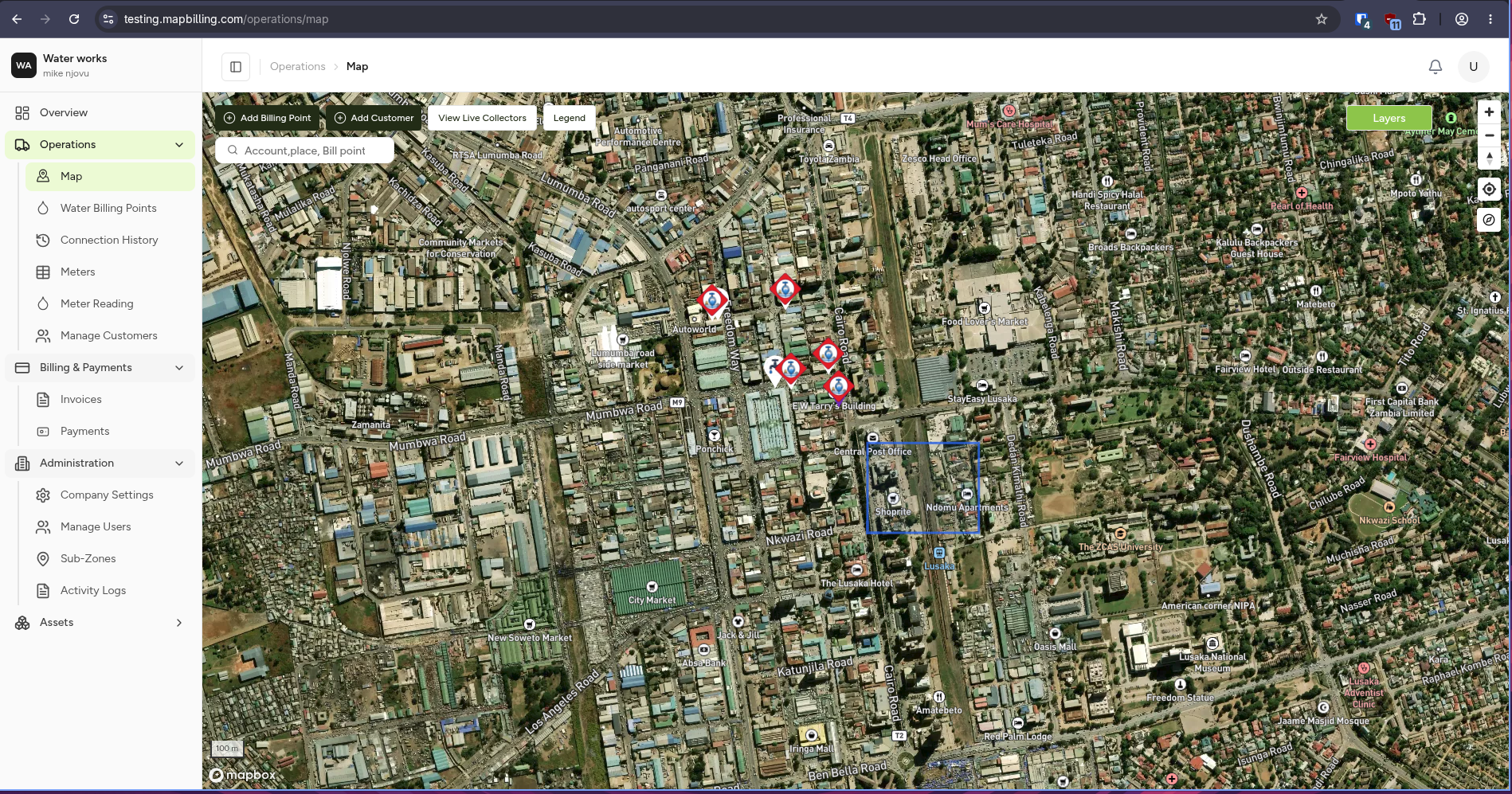
The Dashboard is the central overview screen of the MapBilling platform.
It provides a quick summary of system activity across all modules.
🧠 What is a Dashboard?
A dashboard is a visual summary of key system information.
It helps users understand:
- 📍 What is happening in the system
- ⚡ What needs attention
- 📊 How the system is performing
🏗️ Dashboard Structure
The platform contains separate dashboards per module:
💧 Water Dashboard
Shows water-specific operations:
- Meters
- Consumption
- Billing
- Revenue
🗑️ Waste Dashboard
Shows waste operations:
- Routes
- Bins
- Collections
- Missed pickups
🗺️ Shared vs Module Dashboards
| Type | Purpose |
|---|---|
| Shared Dashboard | Explains dashboard concept |
| Water Dashboard | Water operations overview |
| Waste Dashboard | Waste operations overview |
🔄 How Dashboards Work
flowchart TD

A[Field Data] --> B[System Processing]
B --> C[Database]
C --> D[Module Dashboards]
D --> E[Water Dashboard]
D --> F[Waste Dashboard]