Reading a Meter
Overview
Explain what recording a meter reading does and why it is important.
Before You Begin
Before recording a reading, ensure:
- The meter has been installed.
- The meter is operational.
- You have permission to record readings.
Prerequisite: If the meter has not been installed, see Adding a Meter.
Steps
Step 1: Open the Map
📷 Screenshot Placeholder
Step 2: Select the Meter
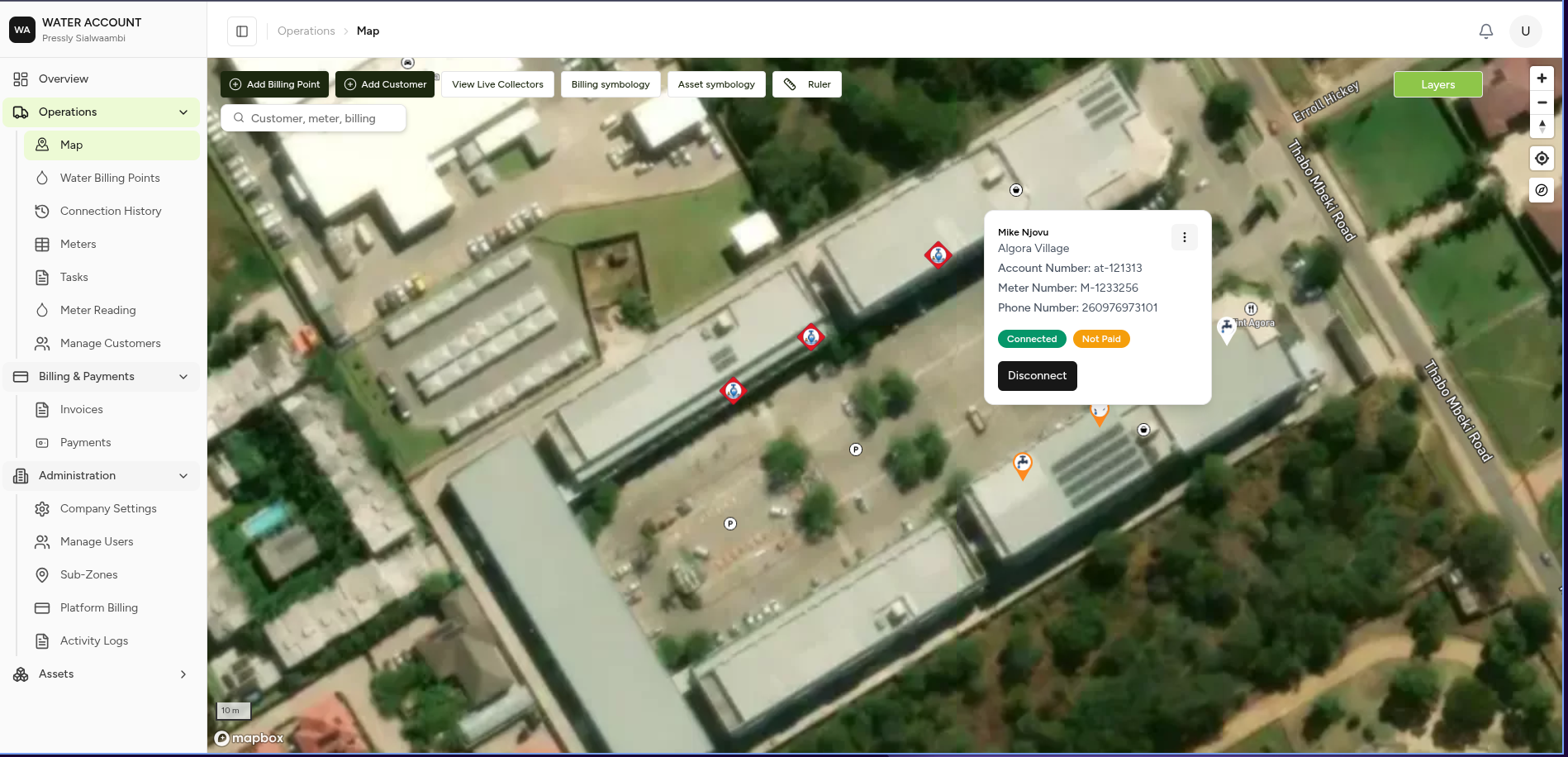
Step 3: Open the Actions Menu (⋮)
📷 Screenshot Placeholder
Step 4: Select Capture Reading
📷 Screenshot Placeholder
Step 5: Enter the Current Reading
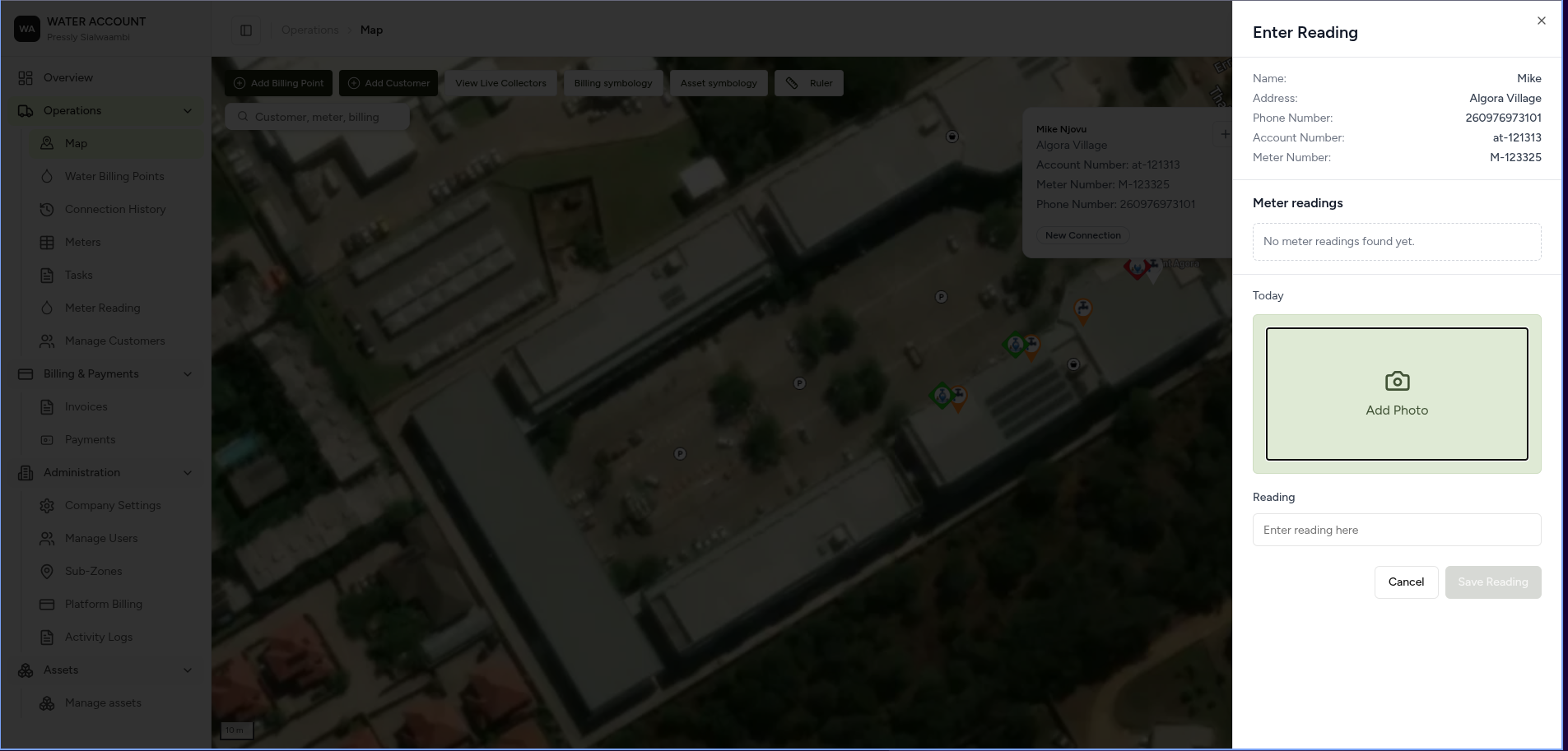
Step 6: Click Save
📷 Screenshot Placeholder
Expected Behaviour
After saving:
- ✅ The reading is recorded.
- ✅ The meter's reading history is updated.
- ✅ Water consumption is recalculated (if applicable).
- ✅ The reading is available for billing.
What shouldn't happen:
- Read a meter twice in the same month.
- Save meter reading without adding a picture.
Related Pages
- Meters
- Adding a Meter
- Billing Points
- Billing